Newman's Gaming Newport PC Gaming

PC components in Newport

PC Components With the Guidance Attached

A parts list can look right and still fail on socket, power or case clearance. At Newman's Gaming, we help you check the whole build before you buy.

Browse gaming components used in our own custom builds. Collect from 22 Batchelor Road, Newport, or arrange UK delivery.

Platform and socket checks Power and clearance advice
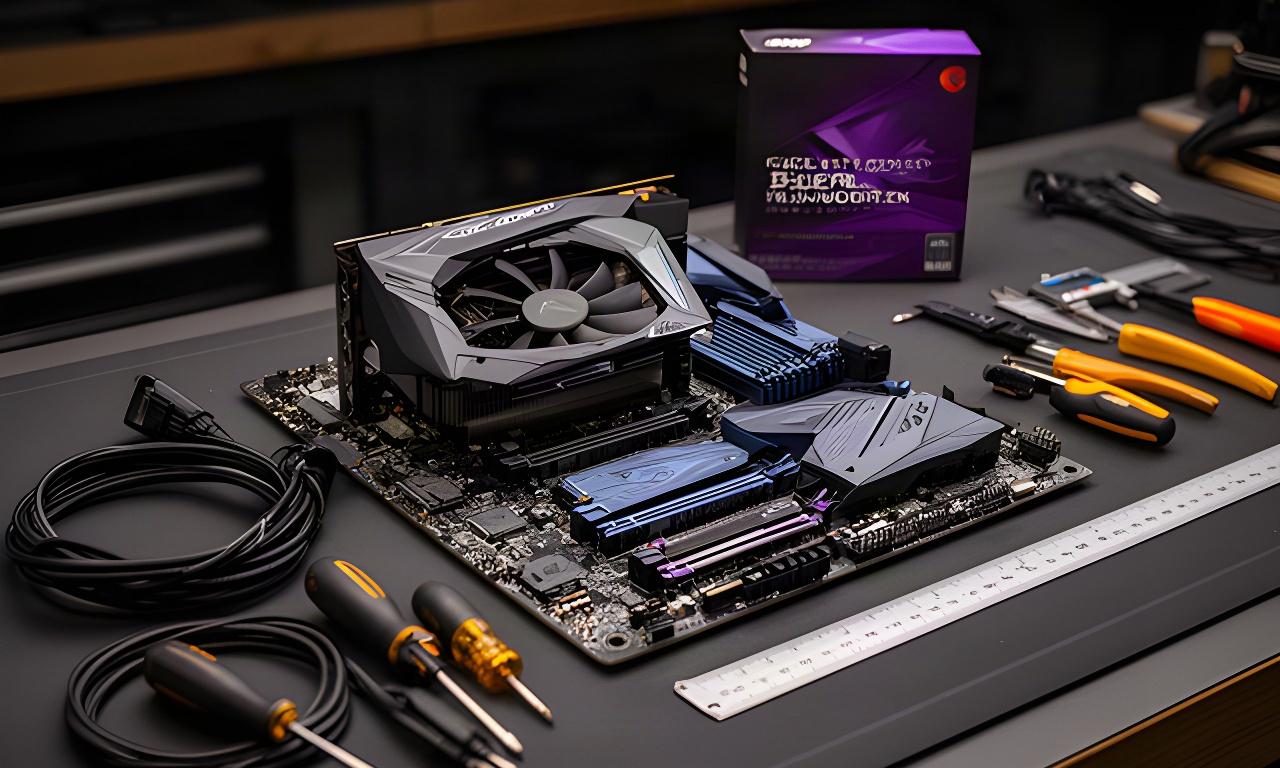
Gaming PC components arranged on a Newport workshop bench, with a graphics card, motherboard and tools ready for a compatibility check

Before checkout

Check the part around the part.

Socket, PSU headroom, dimensions and upgrade options all matter.

01 / Compute

Processors for Gaming

Competitive shooters benefit from strong per-core speed and a steady frame-time floor. Simulation and strategy games can make better use of extra cores as large scenes and late-game turns grow.

The socket decides your motherboard. Start there.

High-refresh play

Prioritise responsive cores

For competitive titles, pair a current gaming CPU with a display target you can sustain. A top-tier processor makes little sense if the graphics card is the limit at your chosen resolution.

Check: socket, board BIOS support and cooler mounting kit.
Mixed workloads

Balance cores with the GPU

Streaming, simulation and strategy can benefit from extra CPU resources. Match the processor to what runs alongside the game, then leave enough budget for the graphics card.

Check: sustained power draw and your intended cooling.

Platform planning

Leave room for the next upgrade

Compare the socket and chipset before choosing a CPU. A platform with useful memory and storage support can make a later upgrade simpler than replacing half the system.

Cooler note: stock cooling suits some lower-power CPUs; higher sustained loads often call for a separate cooler.

Planning around a motherboard you already own? Send its exact model and revision. We can check processor support before you order.

Check a CPU pairing

02 / Frames and detail

Graphics Cards by Resolution and Target

Choose a card for the monitor you own and the settings you actually use. Memory capacity affects texture headroom; dimensions and power connectors decide whether the card fits your build.

Entry point

1080p and high-refresh esports

Prioritise smooth frame times

Resolution focus

1080p gaming cards

A sensible match for esports and lighter games, especially when a high refresh rate matters more than maximum visual effects. Keep the CPU in balance so it can feed the frame rate you want.

Fit check: card length, slot thickness, connector type and recommended PSU capacity.

Build check

Size and power before purchase

Measure the case's usable GPU clearance with front fans or a radiator installed. Check the PSU's available PCIe leads and transient-load headroom; an adapter does not fix an undersized power supply.

Send us: your case, PSU and motherboard models for a practical fit review.

More pixels

1440p detail and demanding games

Balance memory, cooling and PSU

Resolution focus

1440p and beyond

Higher resolution and detailed textures put more pressure on graphics memory. Check capacity against the games you play, the settings you expect and the useful life you want from the card.

Also check: case airflow, cooler size and the monitor's refresh-rate connection.

Compatibility

Avoid a lopsided upgrade

A graphics card upgrade may expose an older CPU limit, weak case airflow or a PSU with the wrong connectors. We check the surrounding parts before recommending a swap.

No guesswork. Share the full system model or a parts list.

Ask for a graphics fit check

Specific models and availability can change. Confirm current stock before travelling.

03 / Platform and capacity

Motherboards and DDR5 Memory

A motherboard sets the socket, expansion options and storage layout. Buy memory as a matched kit, then check the board's supported capacity and speed before choosing a kit.

Motherboard decisions

Plan the platform, not the badge

A higher chipset tier only helps when you need its extra connectivity or expansion.

Check Why it matters
CPU socket Must match the processor; confirm BIOS support for the exact CPU.
Chipset Sets features such as connectivity, overclocking support and expansion options.
M.2 and PCIe slots Check lane sharing and slot placement before adding drives or capture cards.
Board dimensions Match ATX, Micro-ATX or Mini-ITX to the case and its cable space.

DDR5 RAM

Buy a matched kit

For a gaming PC, capacity and stable operation matter more than chasing a headline speed. Two matched modules are usually the straightforward choice; confirm the board's memory support and use its recommended slots.

Capacity

Allow for the games and apps you run together. Leave room for a later kit only if the board layout supports it.

Speed profile

Check CPU and board support; a rated profile may need enabling in firmware.

Keep the upgrade route open.

Count the M.2 slots, SATA connections and DIMM slots you will still have after the first build.

04 / The parts around the core

Power Supplies, Cases and Cooling

A stable gaming build needs room to breathe and a power supply chosen for the whole system, including graphics-card load changes.

Power supplies

Choose wattage from the CPU and graphics card combination, then check connector count, cable length and quality. Leave sensible headroom for transient loads instead of selecting by the average draw alone.

Share your GPU and CPU models for a wattage check.

Cases

Check graphics-card length with front cooling fitted, CPU cooler height, motherboard size and radiator positions. Airflow matters more than a decorative front panel when the PC is under load for hours.

Desk footprint and cable clearance count, too.

Air and liquid cooling

Match the cooler mounting system to the CPU socket. Check tower height or radiator size against the case, then plan intake and exhaust so warm air has a clear route out.

A larger cooler is not automatically the right fit.

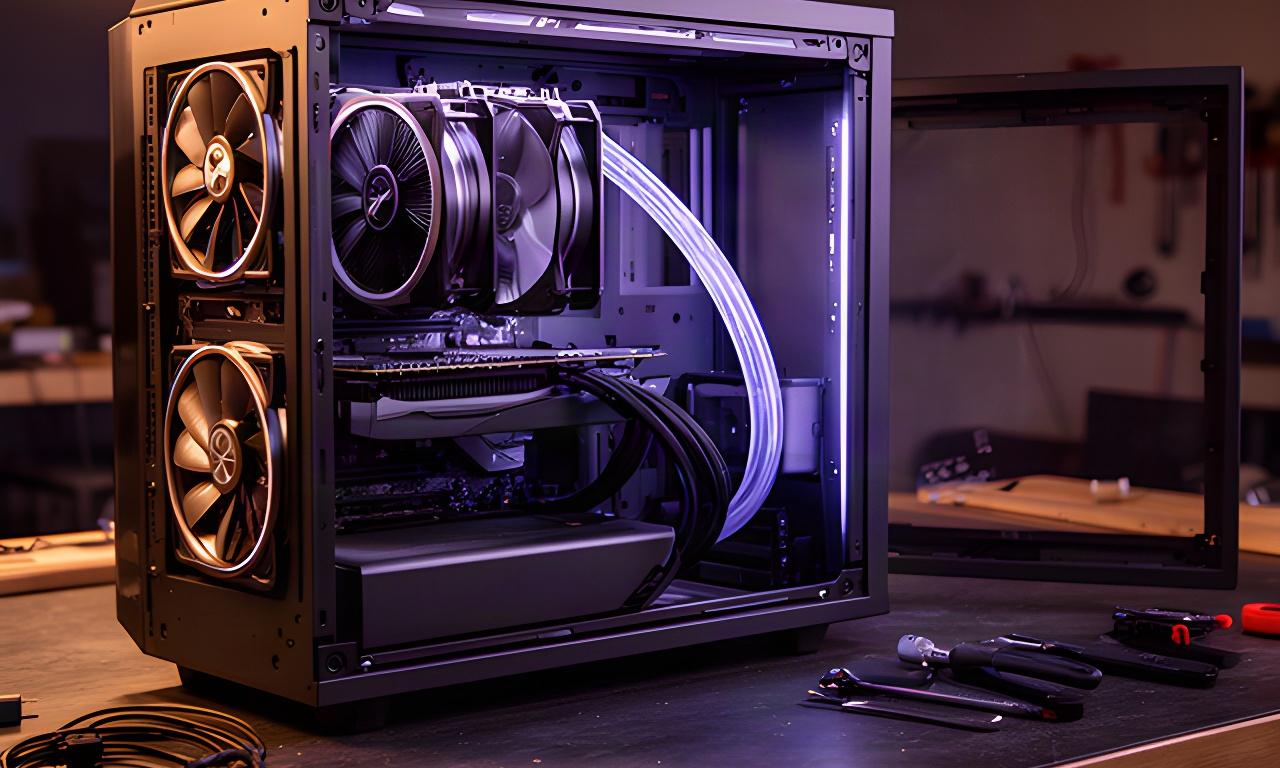
Open gaming PC case on a workshop table showing front intake fans, a tower CPU cooler and clear space for a graphics card

PC cooling Newport

Long sessions need a clear airflow path.

We can check fan direction, cooler fit and cable clearance against your case model. That small check can prevent buying a radiator or cooler that blocks the parts you already own.

Ask about a case or cooler

05 / Games and projects

NVMe and PCIe 5.0 Storage

Leave capacity for updates and the games you keep installed. Faster sequential figures do not guarantee shorter game load times, so buy for capacity and real workload rather than a label alone.

Mind the motherboard slot.

Check M.2 size, PCIe generation, heatsink clearance and any slot-sharing notes in the board manual. A high-speed drive may need a board heatsink or its own cooling solution.

Library planner

Choose a starting capacity

Select a drive size to see a rough planning allowance for games. Actual installs vary by title; keep additional space for updates, recordings and the operating system.

Planning estimate for 1 TB

About 8 to 15 large games, depending on install size

Use a secondary drive for capture folders, media projects or an archive if those files compete with your game library.

PCIe 5.0 drives suit specific high-throughput needs. For many gaming builds, a good NVMe SSD with useful capacity is the smarter spend.

Operating system and games

Keep extra capacity clear for updates, shader data and the files your system creates.

Game load behaviour

Moving from a hard drive to NVMe can help. Moving between fast NVMe drives may make less difference in many games.

Second-drive planning

Check slot availability and heatsink access before adding a dedicated drive for recordings or project files.

06 / Before you place the order

Guidance for DIY Builders and Future Upgrades

A compatibility check is most useful before money is committed. Send the list as it stands; we'll point out the conflicts and the parts that already make sense.

Match the platform

Check processor socket, board chipset, BIOS support and memory generation together.

Check the power budget

Confirm PSU quality, wattage, GPU connectors and enough headroom for load changes.

Measure the physical fit

Compare case dimensions with the GPU, cooler, radiator and motherboard format.

Keep the next step in mind

Leave useful room for another drive, memory kit or graphics upgrade where your budget allows.

Spend where your games feel it

Set the resolution and frame-rate target first. Avoid paying for a top-end feature your display or workload will not use.

Newport workshop • UK delivery

Send Us Your Build List

Share your planned parts and intended resolution. We'll review compatibility and value, then tell you what needs changing and what can stay. Collection is available from 22 Batchelor Road, Newport, NP19 8GU.

22 Batchelor Road, Newport, NP19 8GU

Parts used in workshop builds

Compatibility advice before purchase