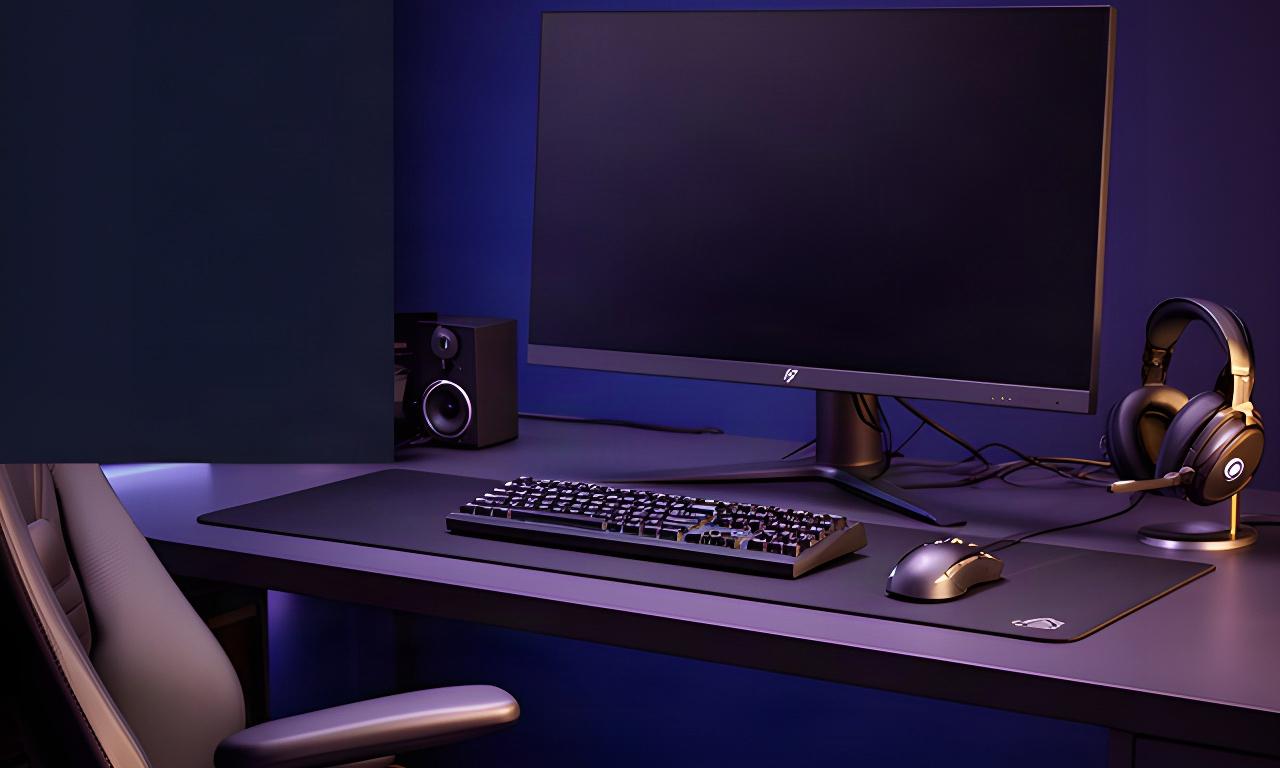
Display
Resolution and refresh rate matched to the graphics card.
22 Batchelor Road, Newport, NP19 8GU
The complete gaming desk setup
A powerful PC paired with a 60Hz screen can leave a lot of its performance unseen. We match displays, input, audio and furniture to your games, PC specification and available desk space.
Start with the part you notice every time you play.
Resolution and refresh rate matched to the graphics card.
Keyboard feel and mouse shape chosen for your hands.
Clear positional sound and a mic that suits your chat.
Room for your screens, cables and a comfortable position.
Start with how you play
Switch feel, actuation and layout matter more than whatever is trending. We can match a keyboard to your desk space and the way you use it.
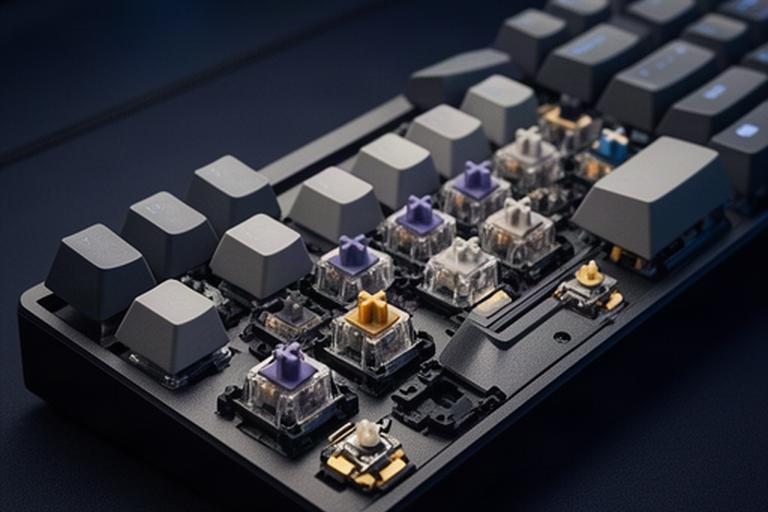
Linear switches move smoothly for quick repeated presses. Tactile switches give a noticeable bump; quieter options suit a shared room. Try to match the sound and feel to both gaming and everyday typing.
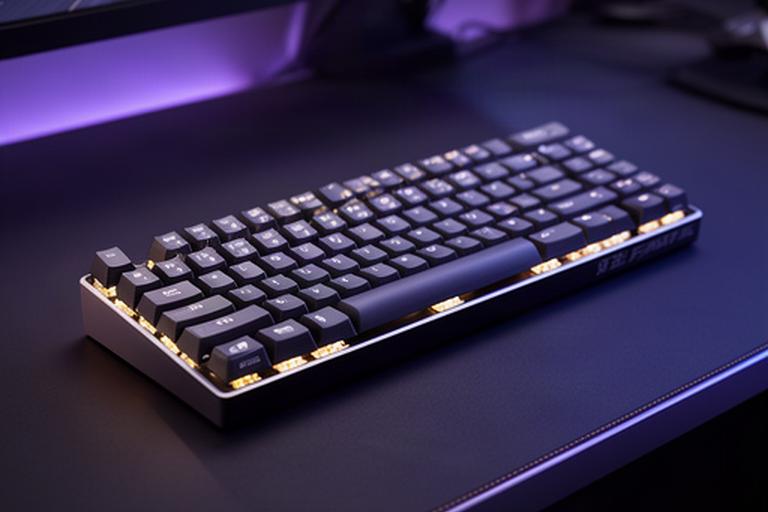
Magnetic switches let you set how far a key travels before it registers. Rapid-trigger features suit players who want quick repeated inputs; they are less useful if you prefer a traditional, fixed key feel.
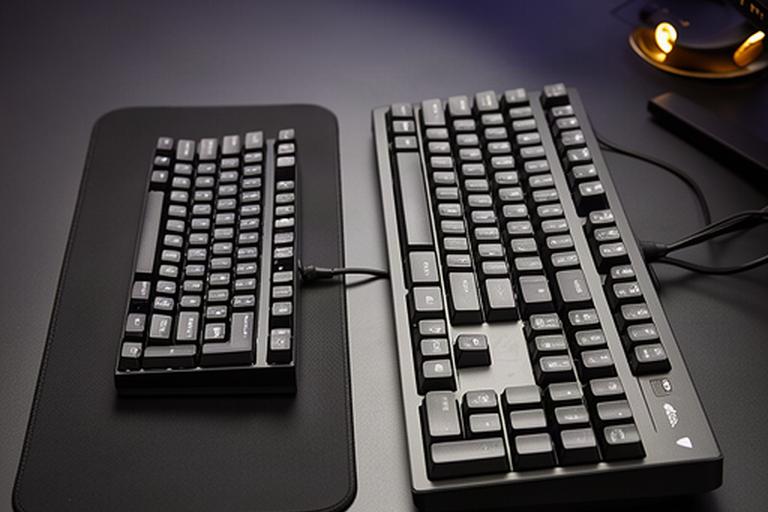
Full-size boards keep the number pad. Tenkeyless and compact layouts leave more space for low-sensitivity mouse movement. Wired avoids charging; a well-set-up wireless board keeps the desk clearer.
Bring your PC model, preferred layout and a note about shared-room noise. We can narrow down the right mechanical gaming keyboard or Hall-effect keyboard without guessing from a product photo.
Shape before spec sheet
A mouse should sit naturally in your hand. Weight and shape affect control more often than an extreme DPI figure.
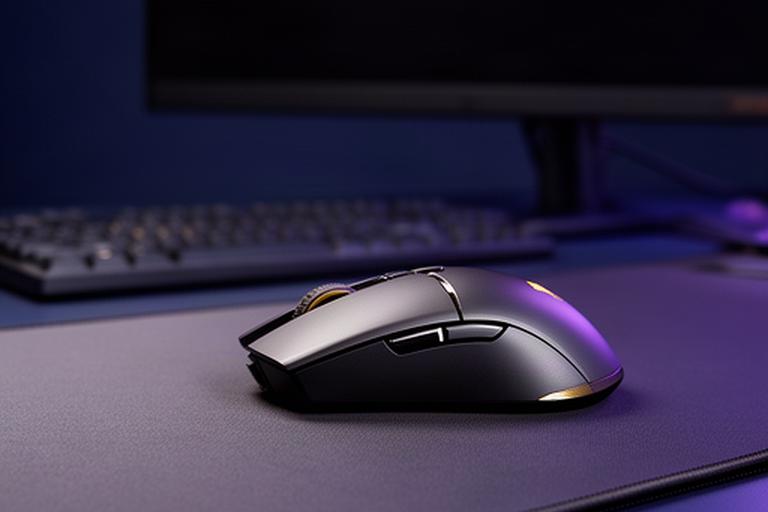
A lighter mouse can feel easier to reposition during long matches. Check the shape against your hand before choosing by weight alone.
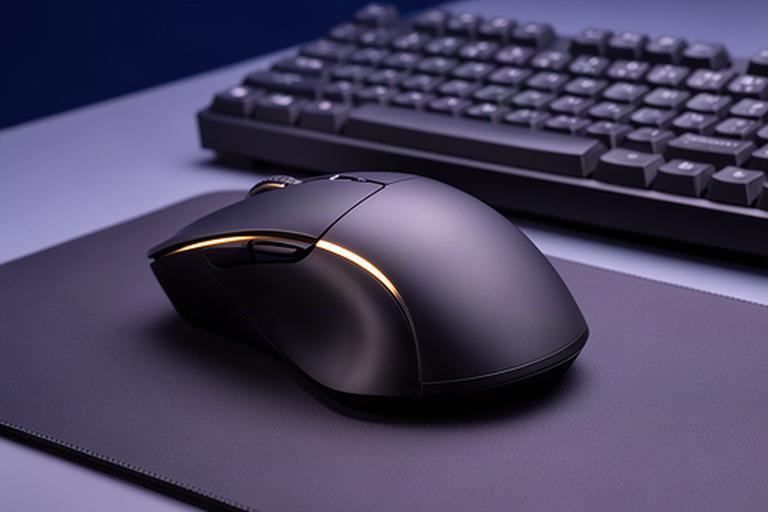
A fuller shell can give your hand more support in longer sessions. The right contour depends on your grip and hand size.
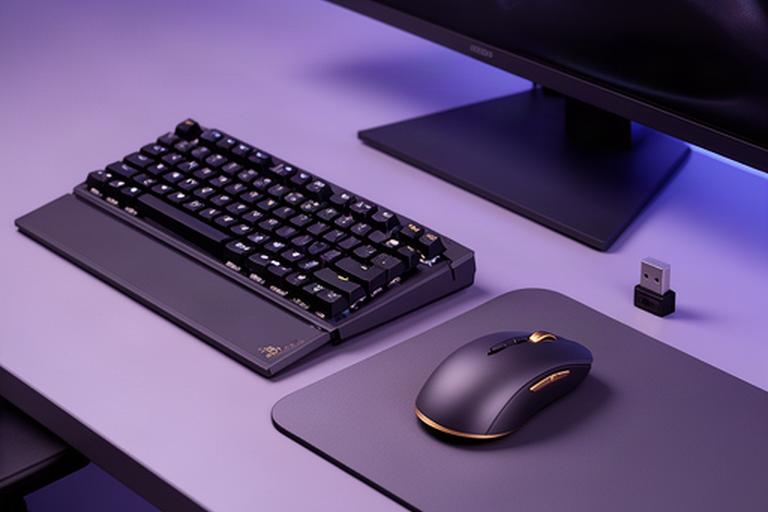
A wireless keyboard and mouse bundle keeps the desk looking consistent. We can check connection needs and receiver placement alongside your other devices.
DPI is a sensitivity setting, not a measure of sensor quality. Set it to a comfortable value, then choose a shape you can control.
Hear the detail, speak clearly
For competitive play, clear positional cues matter. For long sessions, fit and clamp pressure can matter more than a long feature list.
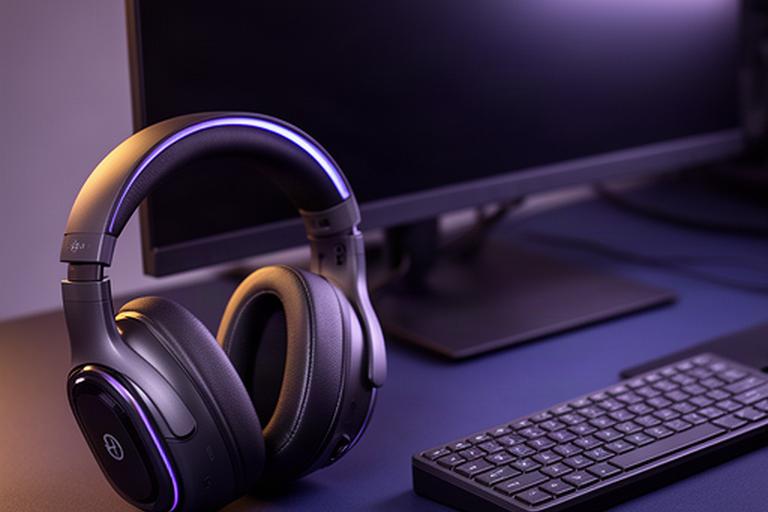
Check fit, microphone monitoring and battery routine. A USB wireless receiver is often a straightforward choice for a gaming PC.

A dedicated microphone can suit streaming or frequent calls. Leave enough desk space for its stand or arm.
Match the screen to the graphics card
Resolution sets the workload. Refresh rate sets how often the screen updates. Both need to make sense for the games and GPU in your build.
A sensible pairing for competitive games where high frame rates matter. Check the refresh rate and response behaviour, then confirm your PC can produce the frames you want.
More detail than 1080p without the same pixel load as 4K. Match the panel's refresh target to the graphics card and the games you play most.
Check available width, stand depth and GPU output support. Some games use the wider view well; others may need careful settings.
4K asks more of the graphics card. We can compare the resolution and refresh target with your PC before you choose a screen.
Send us the graphics card model, target resolution and desk width. We'll check panel type, refresh rate, mounting and available space against the PC specification.
Make the space work harder
Measure the room before ordering furniture. Screen stands, monitor arms and cable routes all need space.
Allow room for the monitor, keyboard and mouse movement. Measure wall clearance if you plan a multi-screen setup.
Look for an adjustable seat and a fit that supports your posture. Check chair width against the space under your desk.
Cable trays and ties make it easier to reach ports and move equipment without pulling a lead loose.
Check monitor weight and VESA support before choosing an arm. A desk mat can also define the working area on a smaller surface.
Bring the details, we'll check the fit
Share your PC specification, monitor goals and desk dimensions. We'll help match the gaming monitor, controls and furniture to the machine you own or plan to buy. A screen or mouse upgrade can make a noticeable difference without replacing the PC.