High-refresh FPS
For players using a 240 Hz-class screen who want responsive aim and a stable feel in competitive settings.
- Build focusCPU-led performance
- Memory planLow-latency capacity
- Display match1080p / high refresh
22 Batchelor Road, Newport, NP19 8GU
Chasing high refresh in a ranked match and running an encoder beside it pull a PC in different directions. We specify competitive systems for low latency, and streaming builds with the extra headroom and quieter cooling a microphone needs.
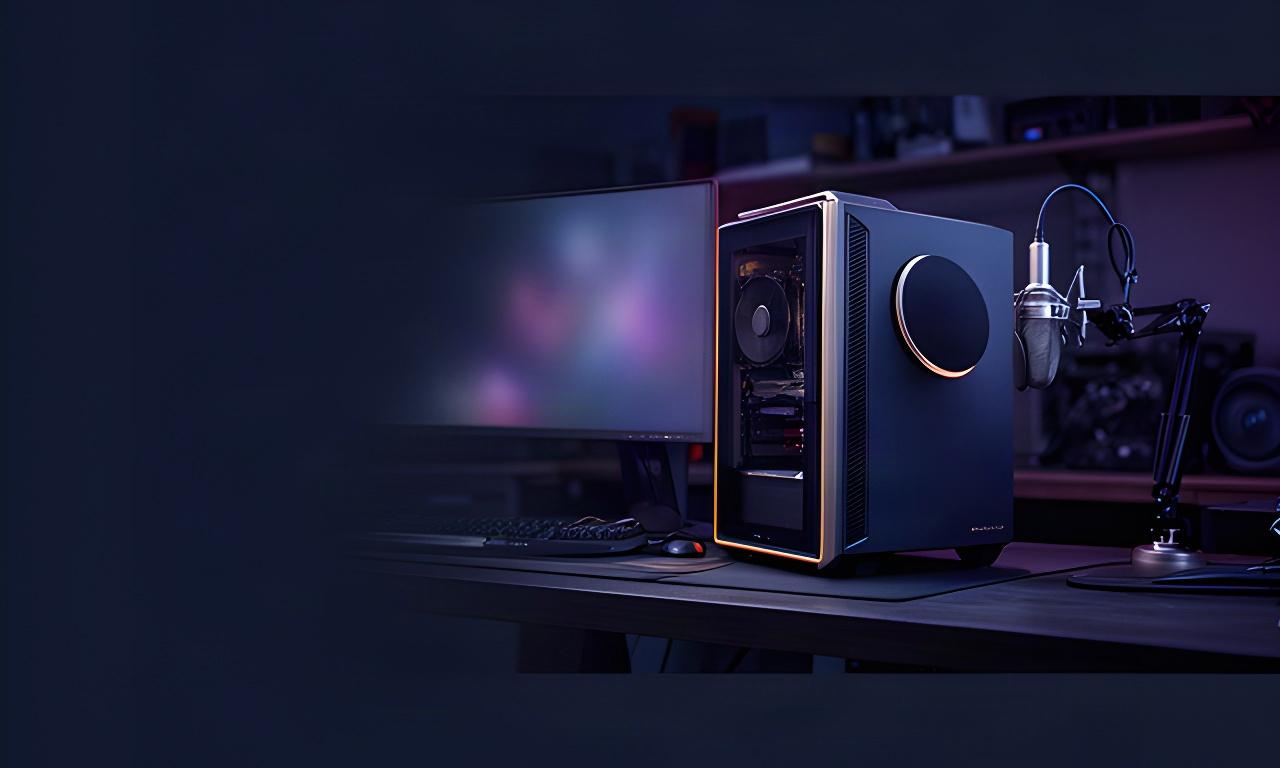
Targets are planning guides, not guaranteed frame rates. Actual results depend on the game, settings, display resolution and parts selected.
A high average looks good on a chart. Smooth frame delivery through a crowded drop or a late-round fight feels better in play.
For players using a 240 Hz-class screen who want responsive aim and a stable feel in competitive settings.
For larger maps, changing scenes and GPU-heavy effects where frame pacing matters as much as a peak reading.
A PC beside your mic is part of the room sound. We account for fan curves, case airflow, component heat and vibration before choosing a cooling layout.
Quiet has limits. Any gaming PC under sustained load makes some sound; compact cases and hot components can make it more noticeable.
Relative noise guide. Room, case and workload change the result.
For voice capture, a directional microphone and sensible gain settings help. They don't replace a quiet, well-ventilated PC.
A stream adds encoding, chat, alerts and capture to the game. Specify for the full session, not the game running by itself.
We plan processor headroom and hardware encoding around your chosen games, streaming settings and single-PC or dual-PC workflow.
Game, browser sources, chat tools and editing apps all use memory. Capacity is matched to the way you keep your setup open.
Keep the game drive responsive and give local recordings room to grow. We can plan separate storage for active projects and archives.
Capture-card choice depends on the source console or PC, passthrough refresh rate and connection type. For a multi-monitor desk, we check the graphics outputs and leave enough room for the game, preview, chat and production tools.
A dual-purpose gaming and video-production PC needs enough memory and fast project storage, alongside a graphics card matched to your games and editing software. There are trade-offs; we make them clear before settling the parts list.
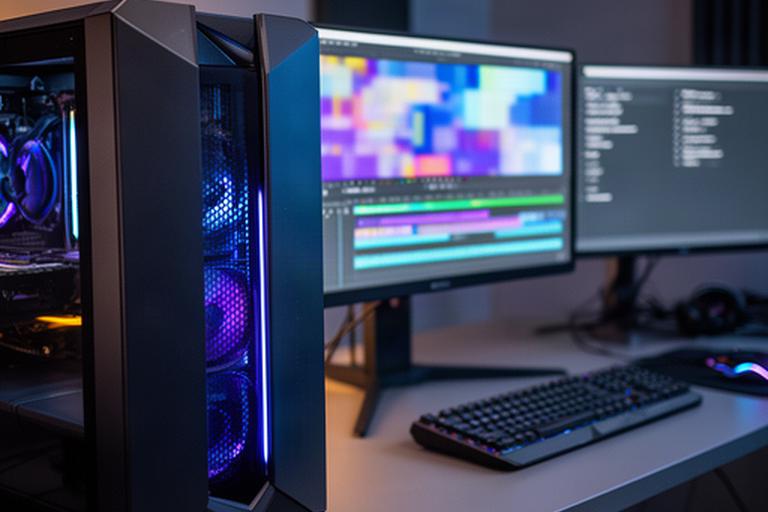
Tell us which games, editing software, footage and displays you use. The right balance depends on the work you actually do.
Plan a custom systemA fast system can't show its strengths through a mismatched screen or an awkward desk setup. Match the parts you interact with every session.
Match resolution, refresh rate and available connections to the graphics card.
Choose switch feel, layout and desk footprint for long practice sessions.
Set pointer feel and usable space around the sensitivity you play with.
Plan mic and headphone routing for calls, game audio and stream monitoring.
Share the game, monitor resolution and refresh rate, plus any streaming, capture or noise requirements. Those details change the specification substantially.
Visit Newman's Gaming at 22 Batchelor Road, Newport, NP19 8GU. Call +44 7457 809958.